
Getting API Keys
Access the API Menu
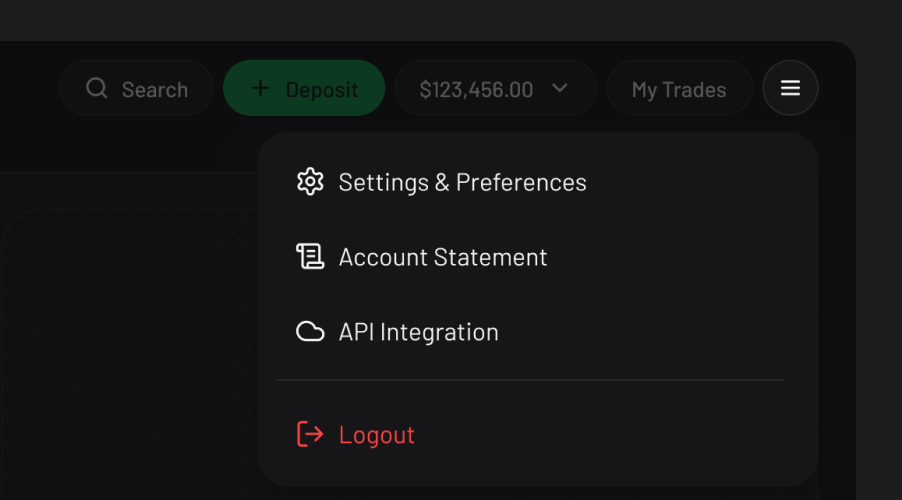
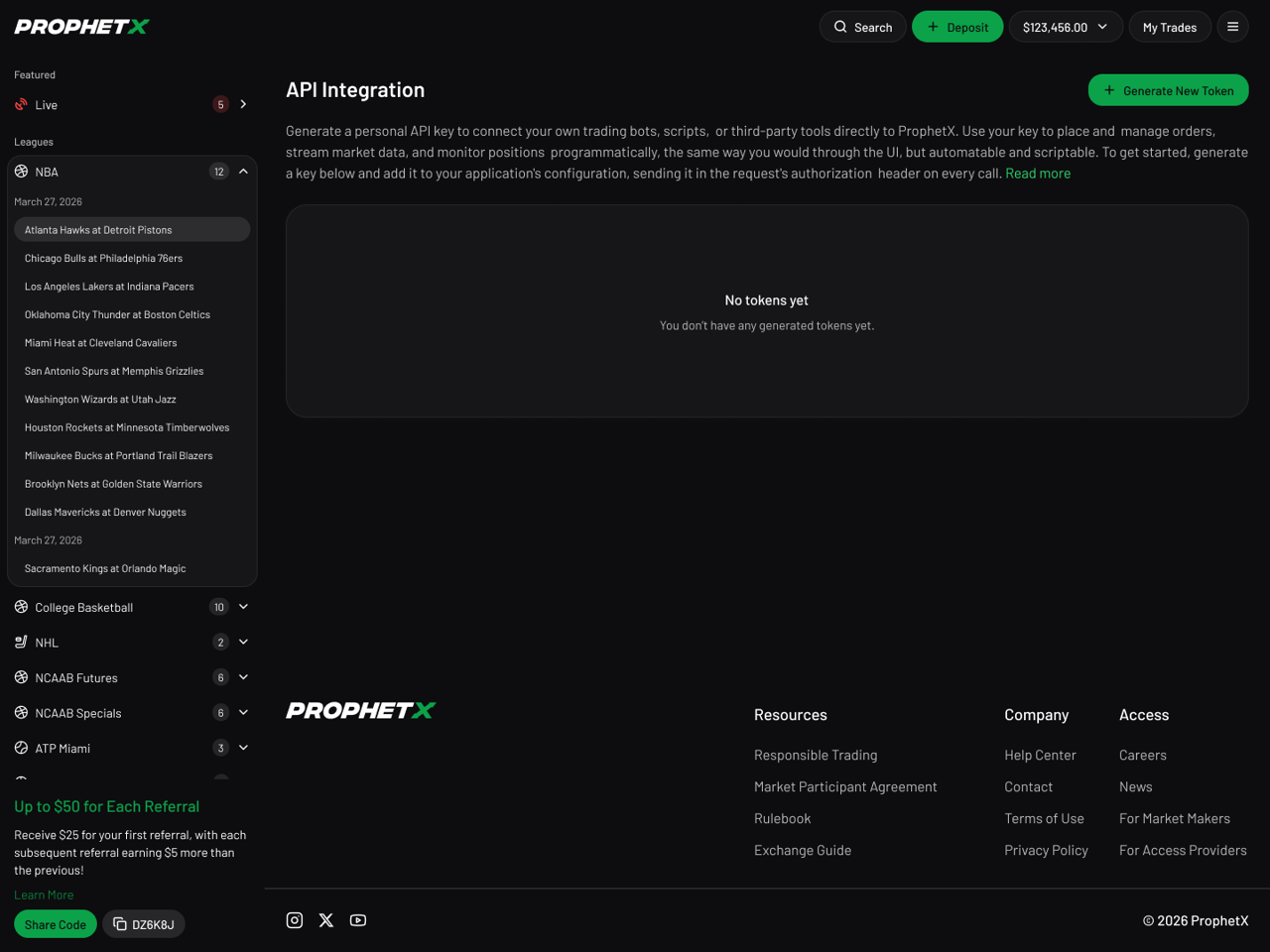
To connect trading bots, scripts, or third-party tools directly to ProphetX, head to the menu and select API Integration. This takes you to the API Integration page, where you can manage your keys.
Create a New Token
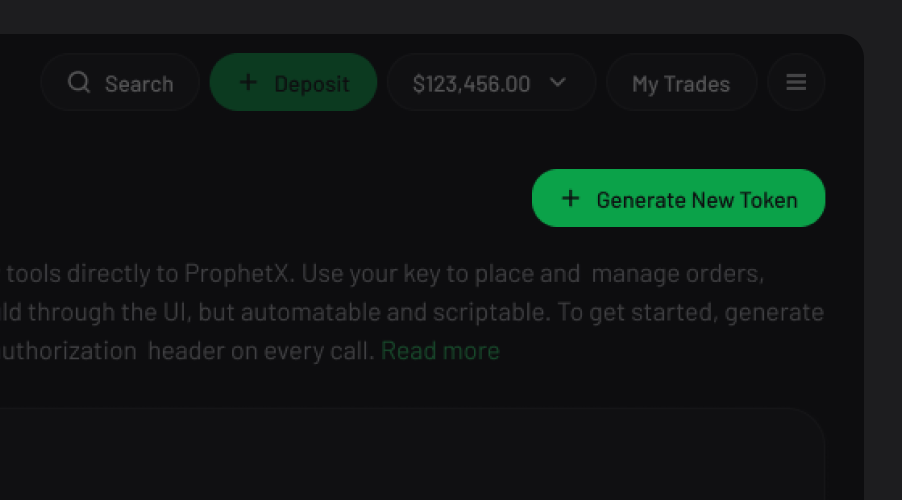
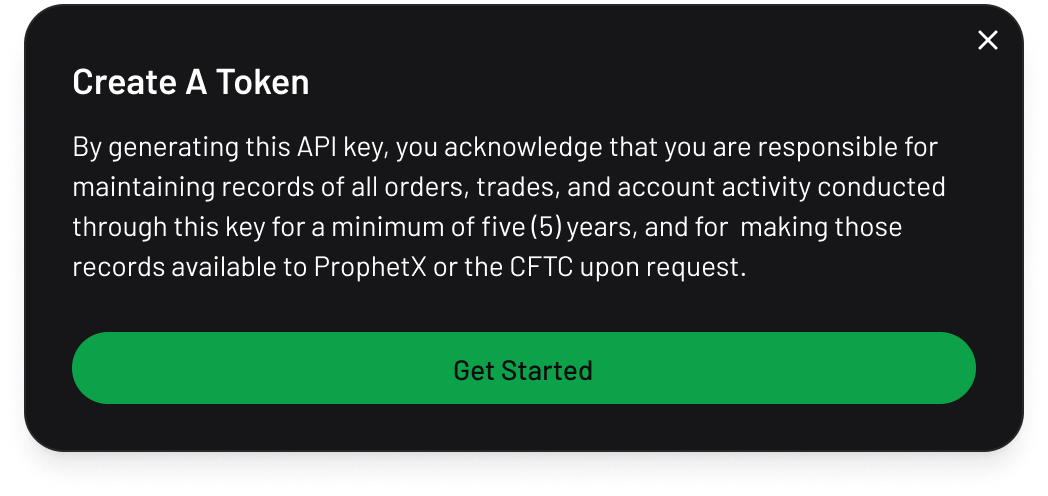
Generate a new token and keep it secure. Remember that you're responsible for maintaining records of all orders, trades, and account activity conducted through this key for a minimum of five years.
Save Your Keys
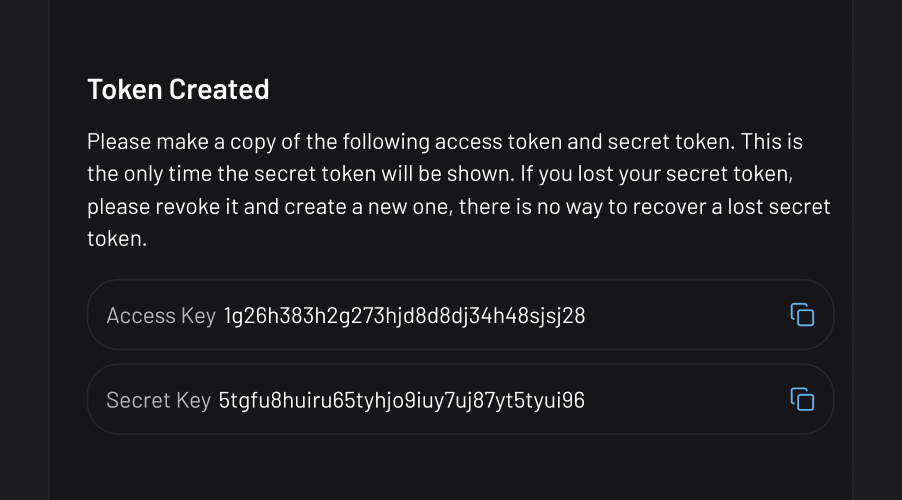
Once created, you'll be given an access key and a secret key. Copy both right away — this is the only time your secret key will be shown.
Manage Your Access
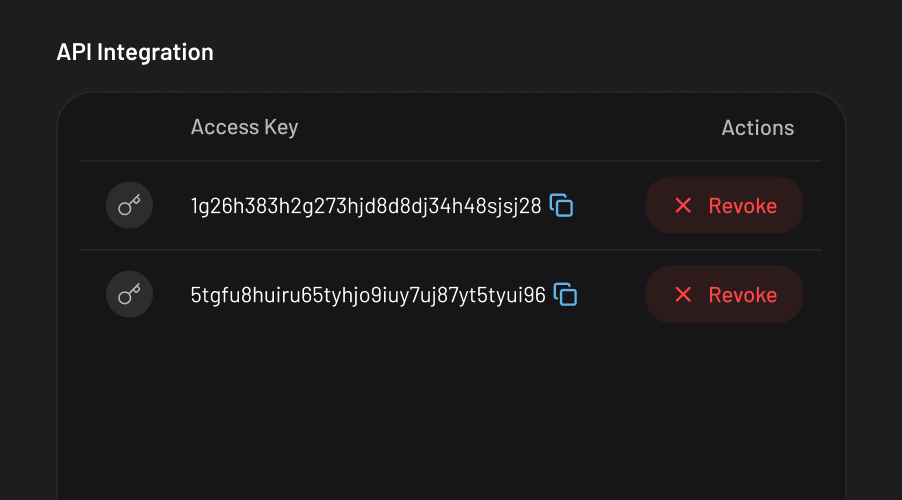
Your access key remains visible anytime from the API Integration page, but your secret key won't be accessible once you leave this screen. If you lose it, you'll need to delete the token and generate a new one.
Updated 4 days ago